
Encode Keyboard
A little more play in everything you type.
UtilitiesiPhoneiPadFree to download
A closer look
3 product images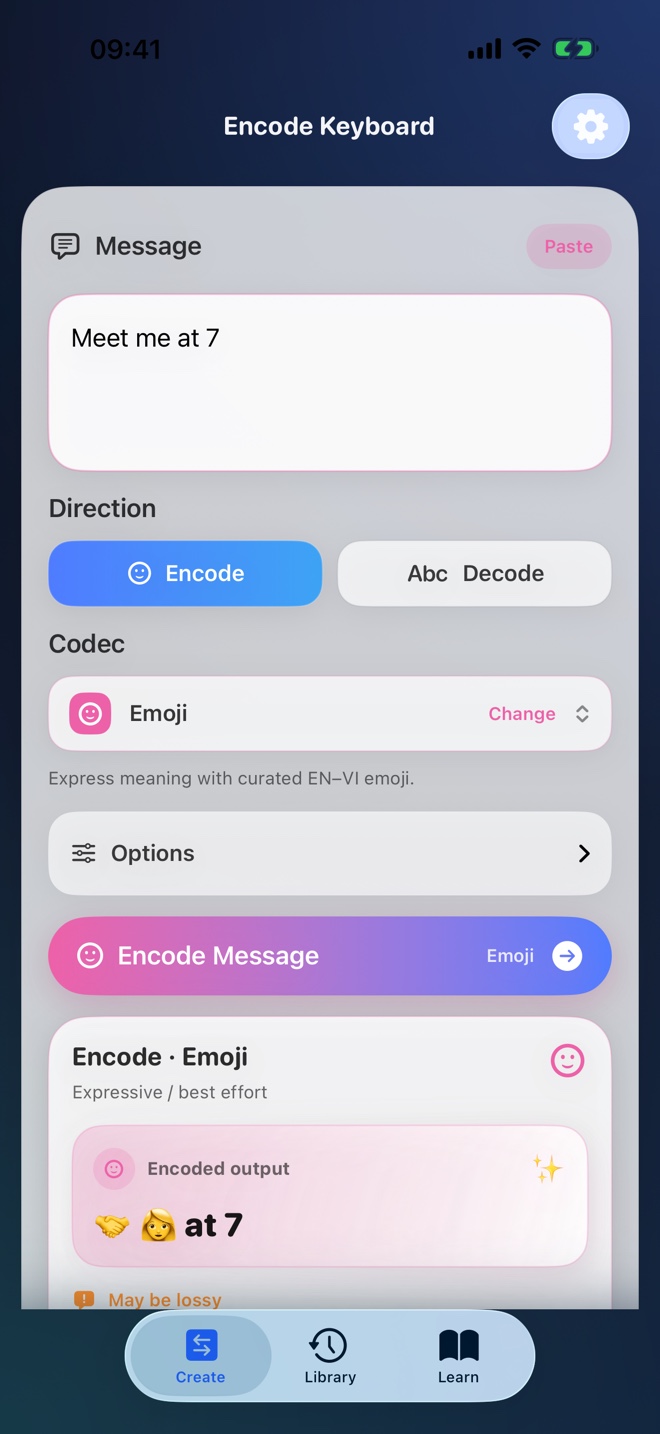
Official product imagery. Features and availability may vary by device and region.
This page is available in several languages. App languages and availability may differ; check the App Store listing. Product screenshots are shown in their original language.
The LaunchVibe perspective
A little more about Encode Keyboard.
Explore text encoding in an app and a custom iOS keyboard. Convert messages using formats such as Base64, Morse, emoji, and personal codebooks, with on-device processing and lessons that explain how each format works.
Convert as you type
Encode or decode from the app or the custom keyboard in supported text fields.
Understand the formats
Explore standard formats and playful codecs with examples and practice.
Keep it on your device
Text transformations run locally. The keyboard does not require Full Access.
Good to know: Encoding is not encryption. Do not use these formats to secure sensitive information; some creative codecs are approximate.